A place for each project.
Group sessions by development environment, with colour cues to help you recognise the right workspace.
A little order for a lot of terminals
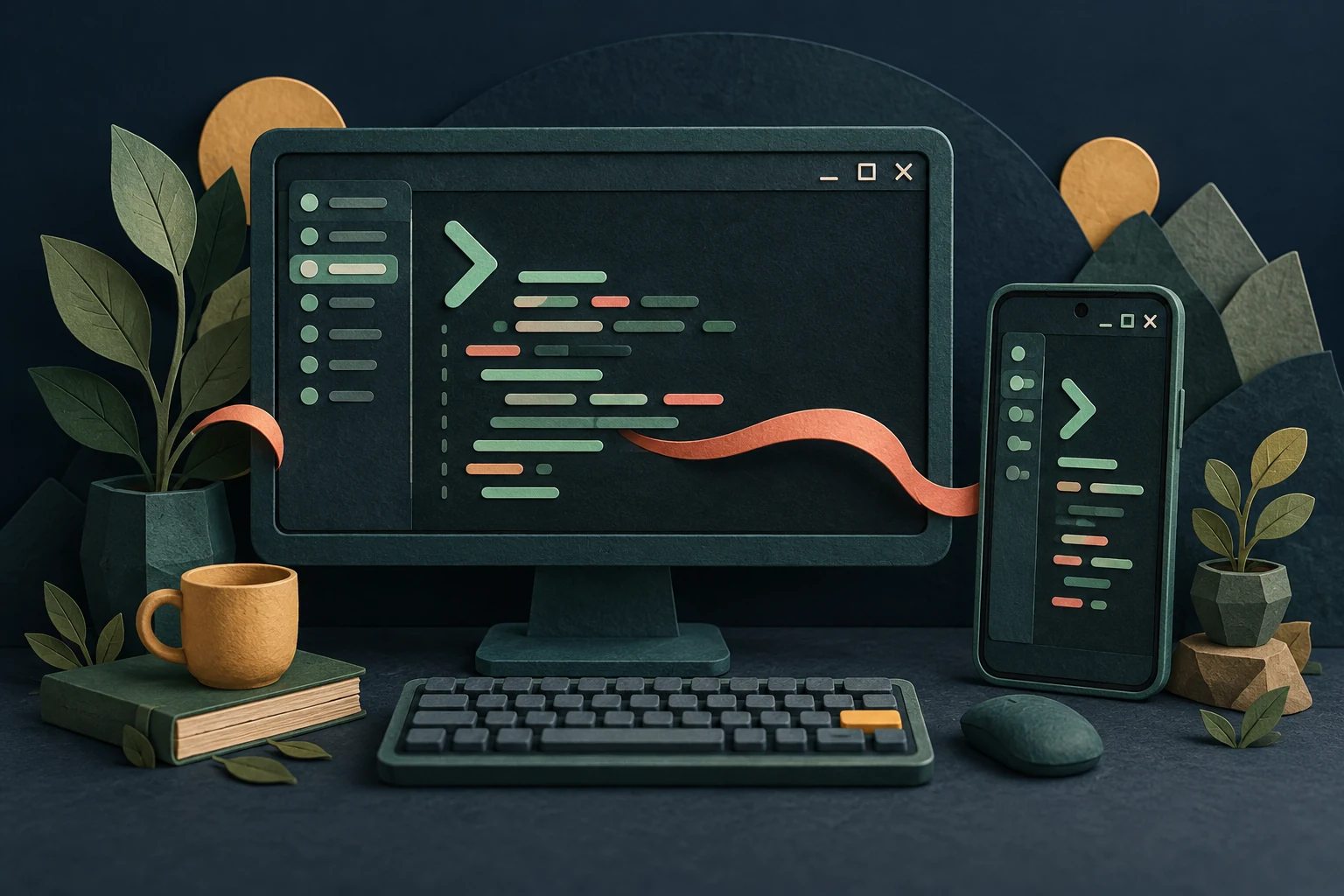
A Windows workspace and an Android companion for your coding sessions. Wayline brings desktop and mobile into one project family, built to keep ongoing work in view.
Everything in its place
When several projects are moving at once, knowing where you are matters. Wayline brings the surrounding details into the sidebar while your terminal keeps the space it needs.
Group sessions by development environment, with colour cues to help you recognise the right workspace.
Open and close coding-assistant and Bash tabs as you go. Keep related sessions together without squeezing everything into one shell.
Session indicators help you spot activity and waiting states. Branch labels and supported context indicators keep useful details nearby.
Wayline Mobile brings a native Android interface to the project. Connected session viewing and control are being developed alongside the shared Core service.
Behind the project
Wayline started with a practical need: manage several Linux development environments from Windows while keeping AI-assisted work understandable. That desktop foundation is growing into Wayline Desktop, Wayline Mobile, and the shared Wayline Core service. The desktop and mobile clients are under active development.
Find the workspace for the project you want to work on.
Start a coding assistant or a Bash shell alongside your other work.
Use the sidebar to find the session, its branch, and the available status details.
A few practical details
A personal software project, shaped by everyday use.
Wayline organises terminal sessions for those tools. The underlying assistants still need their own installation, setup, and any required accounts.
Wayline Desktop is for Windows, and Wayline Mobile is for Android. There is no Mac version.
The Android app is in development. Connected session viewing and control are currently exercised in dedicated development builds; this page does not announce a general release.
No. Status, context, and usage details depend on the tool and the configured integrations. Ordinary shell tabs do not have the same assistant-specific information.
This page introduces an actively developed studio project. There is no public installer linked here.
Explore more personal software and careful experiments from Northern Range Lab.